Studio · Configure
What are you making?
Pick a mode to get a configurator tailored to it — Book, Magazine, Classroom, and Marketing are all ready now.
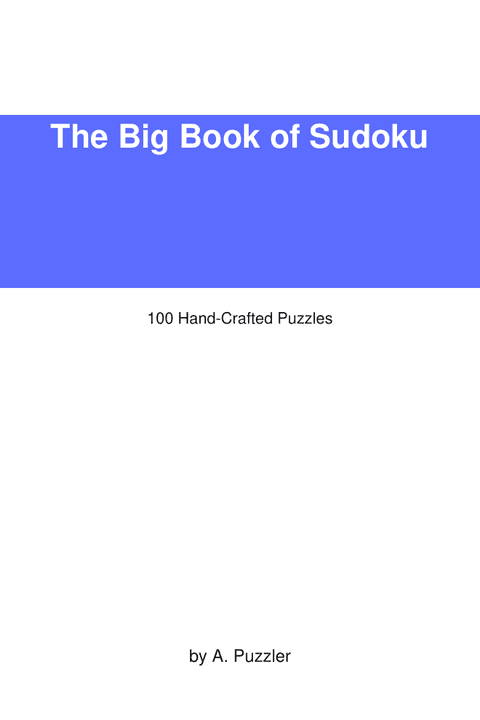
Book
ReadyFull KDP package — cover designer, front matter, page design, and a print-ready interior + cover PDF.
Configure a book →
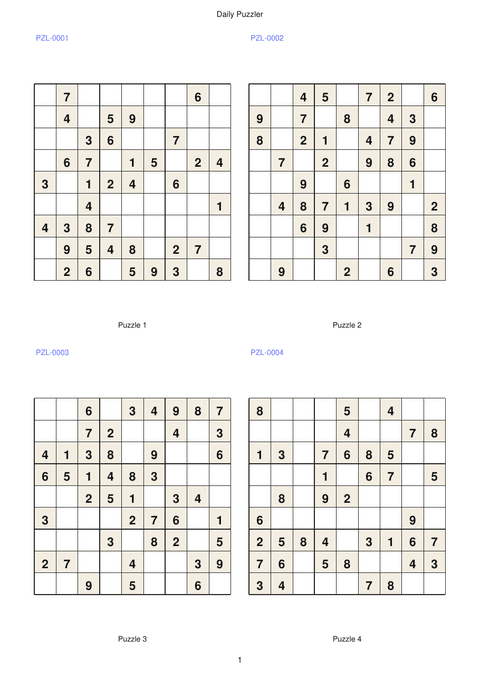
Magazine / Newsletter
ReadyClean multi-column puzzle pages with captions and running headers — a print-ready PDF plus per-puzzle images for every issue.
Configure an issue →
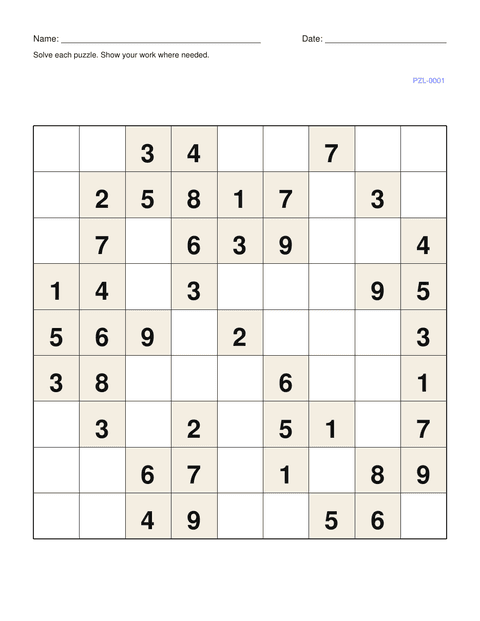
Classroom
ReadyLetter/A4 worksheets with student name & date fields, instructions, difficulty progression, and an auto-generated teacher answer key.
Build worksheets →
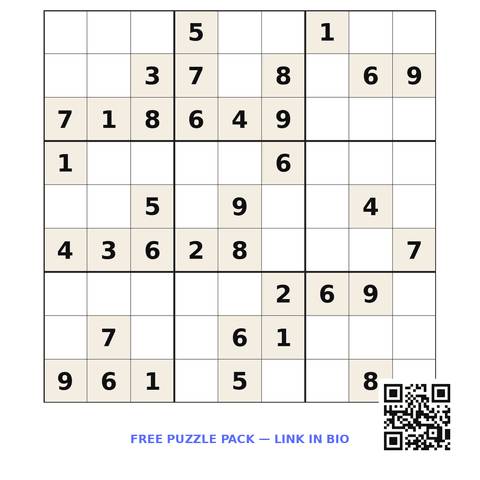
Marketing
ReadyTurn each puzzle into a branded social image — preset sizes, promo callout, QR code, logo. 300- + 72-DPI PNG, SVG, and a branded PDF.
Brand your puzzles →
Just need a quick batch of puzzles? Use the classic single-batch configurator.